Wi-Fi and networks
Dead rooms, flaky mesh, printers, guest Wi-Fi, and slow-network mysteries.
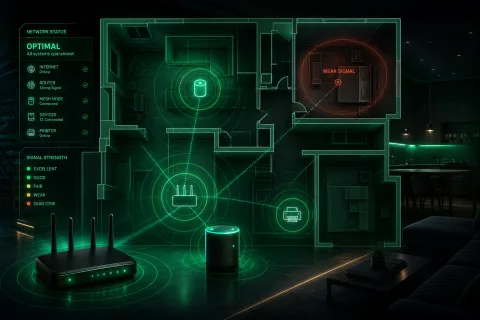
Dead zones
Ad blocking
Communication Hill, San Jose, and nearby South Bay communities
I help homes and small shops on Communication Hill and across nearby San Jose with Wi-Fi, computers, cameras, backups, and the messy problems between them. Tell me what needs to work.
Guaranteed reply within 24 hours. No charge or commitment at this step.
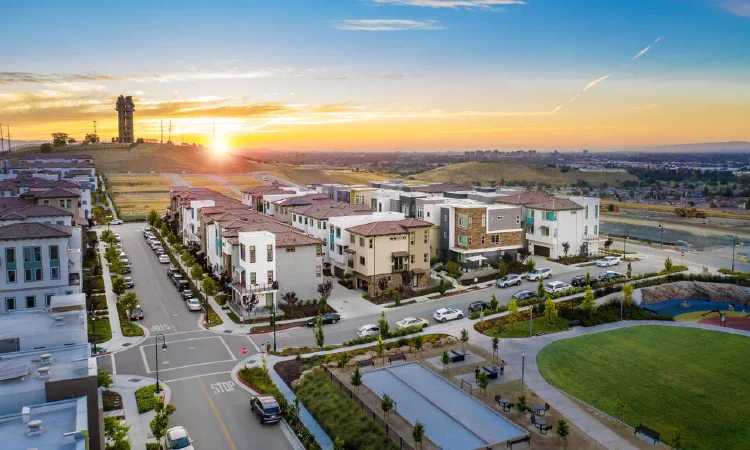
Actually localI live here. Onsite is nearby.
Estimate firstNo surprise paid work
Remote or onsiteWhichever fits the problem
What I fix
Dead rooms, flaky mesh, printers, guest Wi-Fi, and slow-network mysteries.
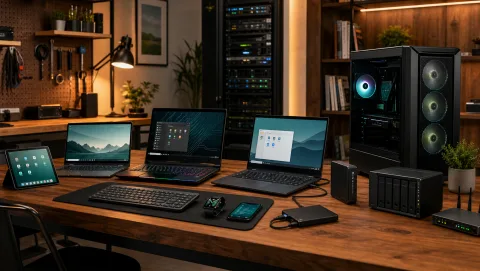
Slow computers, new-device setup, lost-data triage, backups, and help choosing or upgrading a PC.
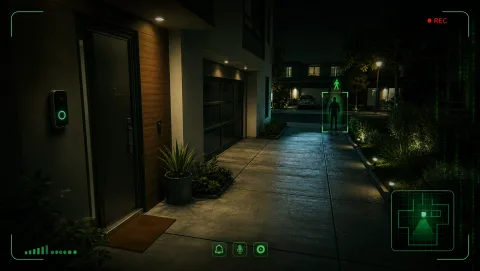
Security cameras, NVRs, doorbells, smart-home gear, local recording, alert zones, and cleanup.
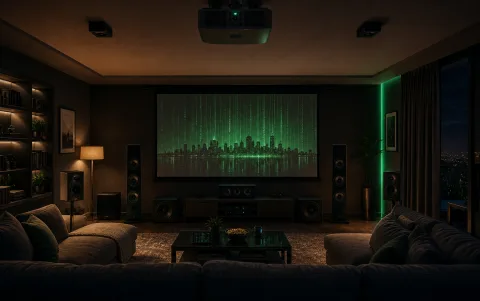
Room design, TV and projector recommendations, speaker and receiver selection, media systems, wiring plans, and final tuning.
More ways I can help
Shop systems, websites, and practical AI—same person, same estimate-first process.
Internet, customer Wi-Fi, POS, cameras, backups, vendor coordination, and small workflow tools.
Fast, accessible websites with clear copy, responsive layouts, modern browser features, and no unnecessary framework bloat.
Calm help finding useful AI and future tech without panic, hype, privacy mistakes, or another subscription you do not need.
Why this is different

I’m Alex, a San Jose technologist with 22 years of experience keeping real systems understandable, stable, and recoverable. Done means the problem is understood and the setup is cleaner than I found it.
AI is one tool on my troubleshooting bench, not the product and not a substitute for judgment. When it can make you more independent, I can teach you to use it safely.
You work with me from the first reply through the handoff. I explain tradeoffs plainly, confirm the likely cost before paid work, and say so when another specialist or a simpler answer is the better fit.
Straightforward pricing
These ranges cover common jobs. After a free fit check, I confirm the scope and expected cost before paid work starts.
A quick read of your request and a direct follow-up to decide the sensible next step.
Typical range for a focused remote session. Longer or unusual work gets an estimate first.
Typical range for a first nearby onsite visit, depending on travel, time, and complexity.
Networks, business systems, home theater, workflow tools, and multi-step work are scoped clearly.
Hardware, software, subscriptions, recovery labs, cabling, and other third-party costs are separate and discussed before purchase.
Quick answers
Not sure which category fits? Choose “Other.” The plain-English version is enough.
Both. Remote help is efficient for many software, account, and configuration issues. Onsite visits are scheduled when the work needs hands-on access.
Yes. I clarify the likely scope and expected cost first. If the problem changes, I stop and discuss the tradeoff before expanding paid work.
Communication Hill, San Jose, and nearby South Bay communities. Travel and scheduling are confirmed before an onsite visit.
If I cannot fix it—or the hardware is no longer worth repairing—I will tell you exactly what failed, why, and what to do next. That may be a vendor or recovery specialist, a replacement, or a practical workaround. You will not be left guessing.
Good first step
Send the plain-English version. You will get a direct reply and a clear next step.
Do not send passwords or payment details in the form. If a job needs a login, I’ll arrange that separately and carefully.